
AI mastering chain · VST3 / AU
Busy Works Beats
AI Mastering 9
One plugin for turning a mix into a finished, loud, controlled master. Start with Auto Master, then fine-tune every stage of the chain from tone to limiting.
Fast when you need it. Detailed when you want it.
One-click mastering
Tap Auto Master and let the engine listen to the track, set gain, shape tone, control dynamics, and build a starting chain fast.
Full chain access
EQ, compression, dynamics, shape, width, excite, loudness, limiting, and reference controls are split into clear pages.
Peak headroom scan
Scan the loudest window of your mix and see the recommended headroom target before pushing the master harder.
Instant macros
Drive the feel with broad musical controls for polish, clarity, density, width, and level without losing the advanced pages.
A/B and bypass
Compare your settings against the source with A/B and bypass controls built into the top bar.
Download Manager install
Install, activate, and manage the plugin through the Busy Works Beats Download Manager with account-based licensing.
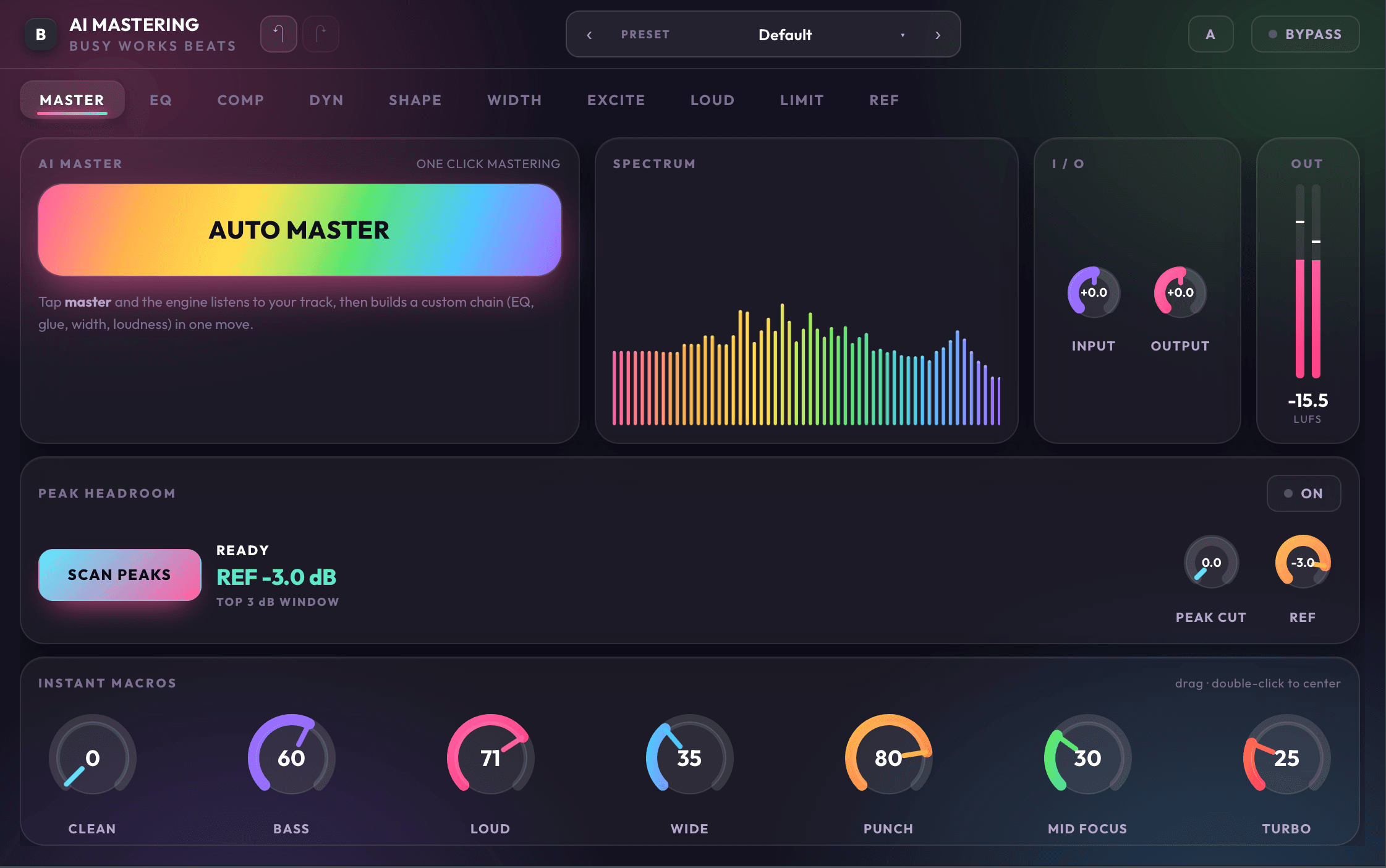
Master page
Start with the whole chain
The main page gives you Auto Master, spectrum feedback, peak headroom scanning, and instant macros in one view. It is built for the moment when you want a usable master quickly, then room to refine.
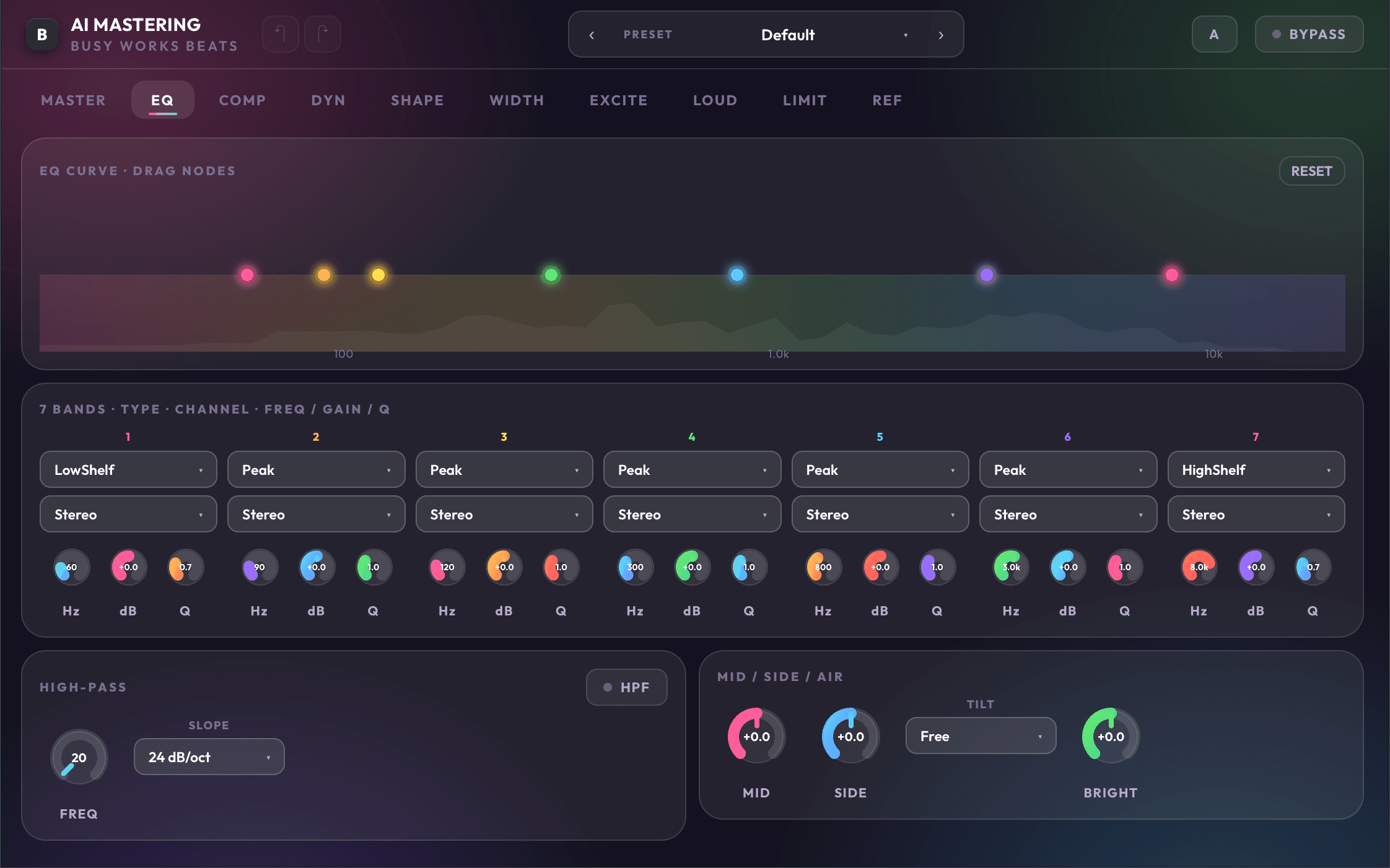
Tone control
Shape the balance before it gets loud
Use the EQ page to set the low end, clean the mids, open the top, and tilt the overall tone. It keeps broad mix decisions visible, with controls sized for quick moves.
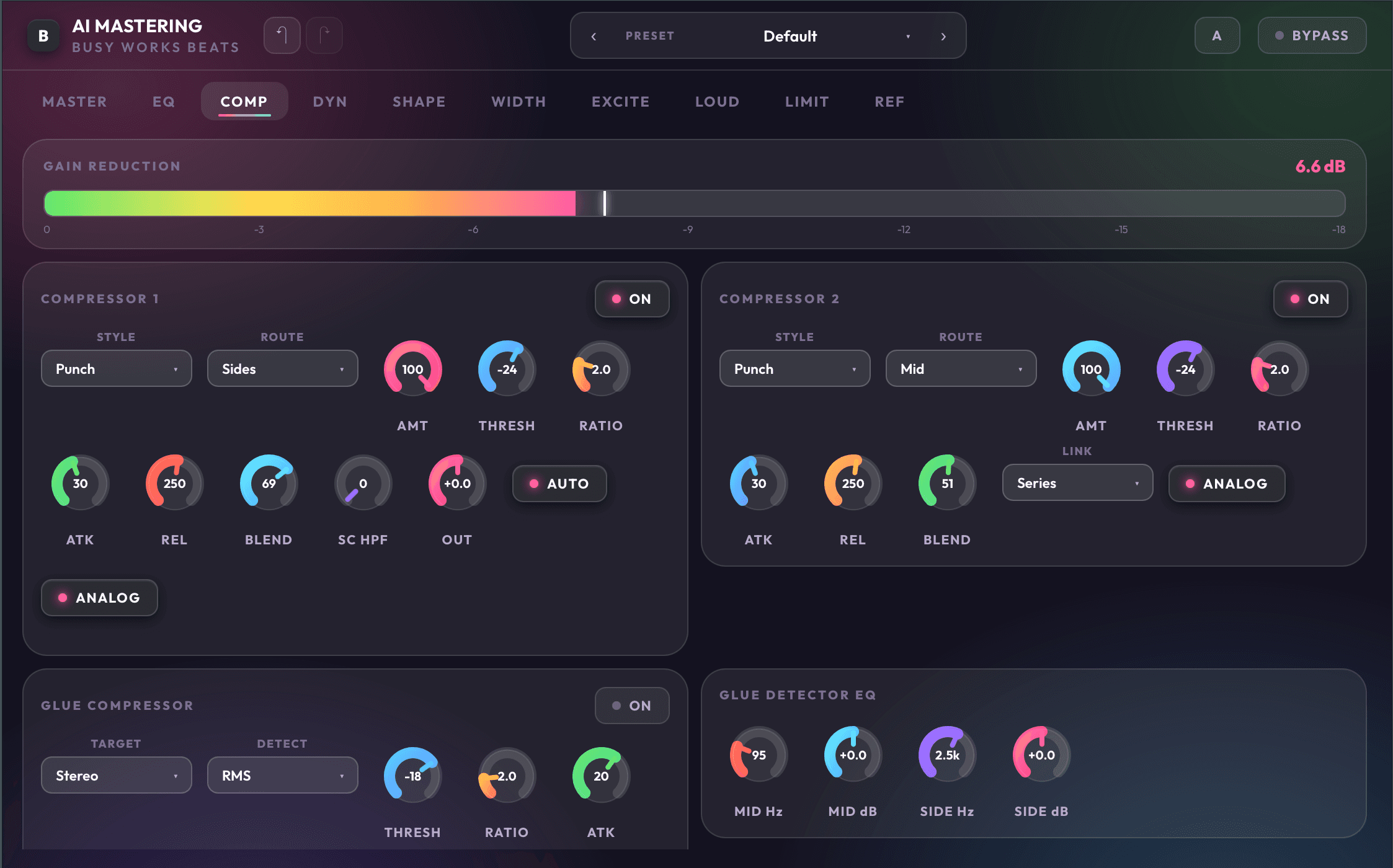
Compression
Glue without guessing
Compression controls focus on the choices that matter at the mastering stage: amount, attack, release, blend, and character. Push it subtle for polish or harder for a denser record.
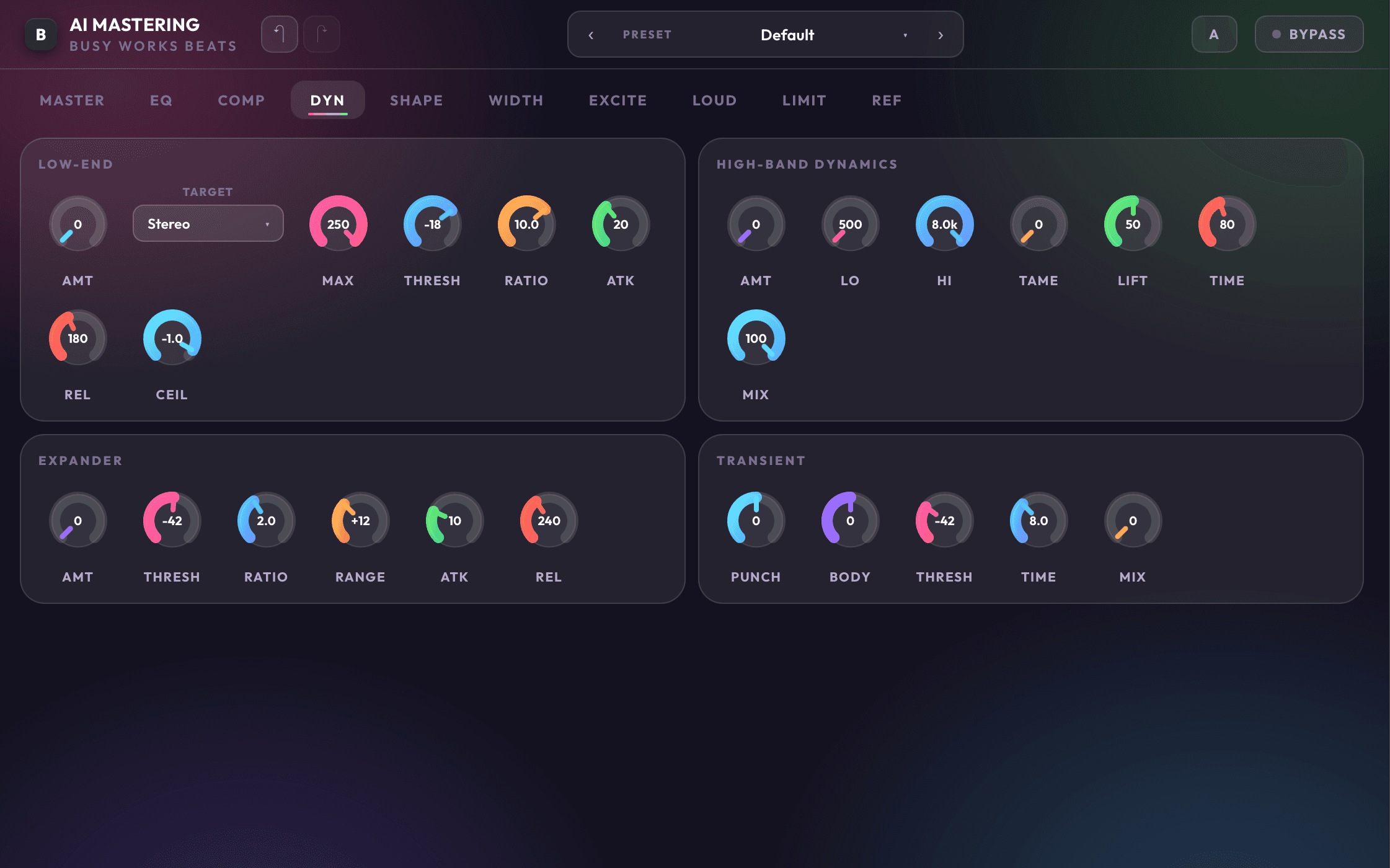
Dynamics
Control punch and movement
Dynamics and transient tools help you tighten peaks, preserve attack, or smooth the record before limiting. Each section can be dialed in or bypassed as needed.
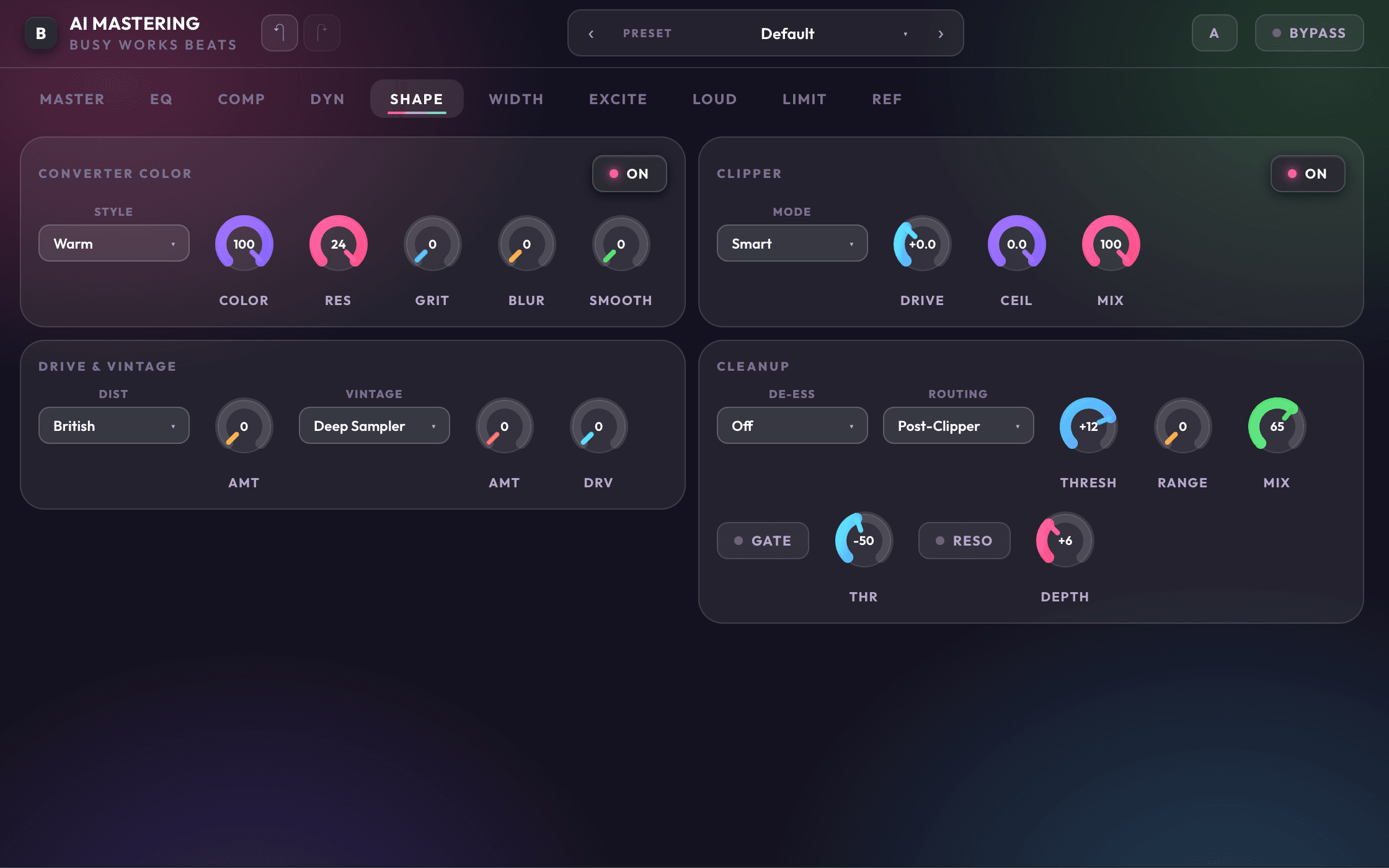
Shape
Add the finish that feels expensive
The Shape page gives you analog weight, body, sparkle, air, and warmth controls for the final color pass. It is where a clean master starts to feel finished.
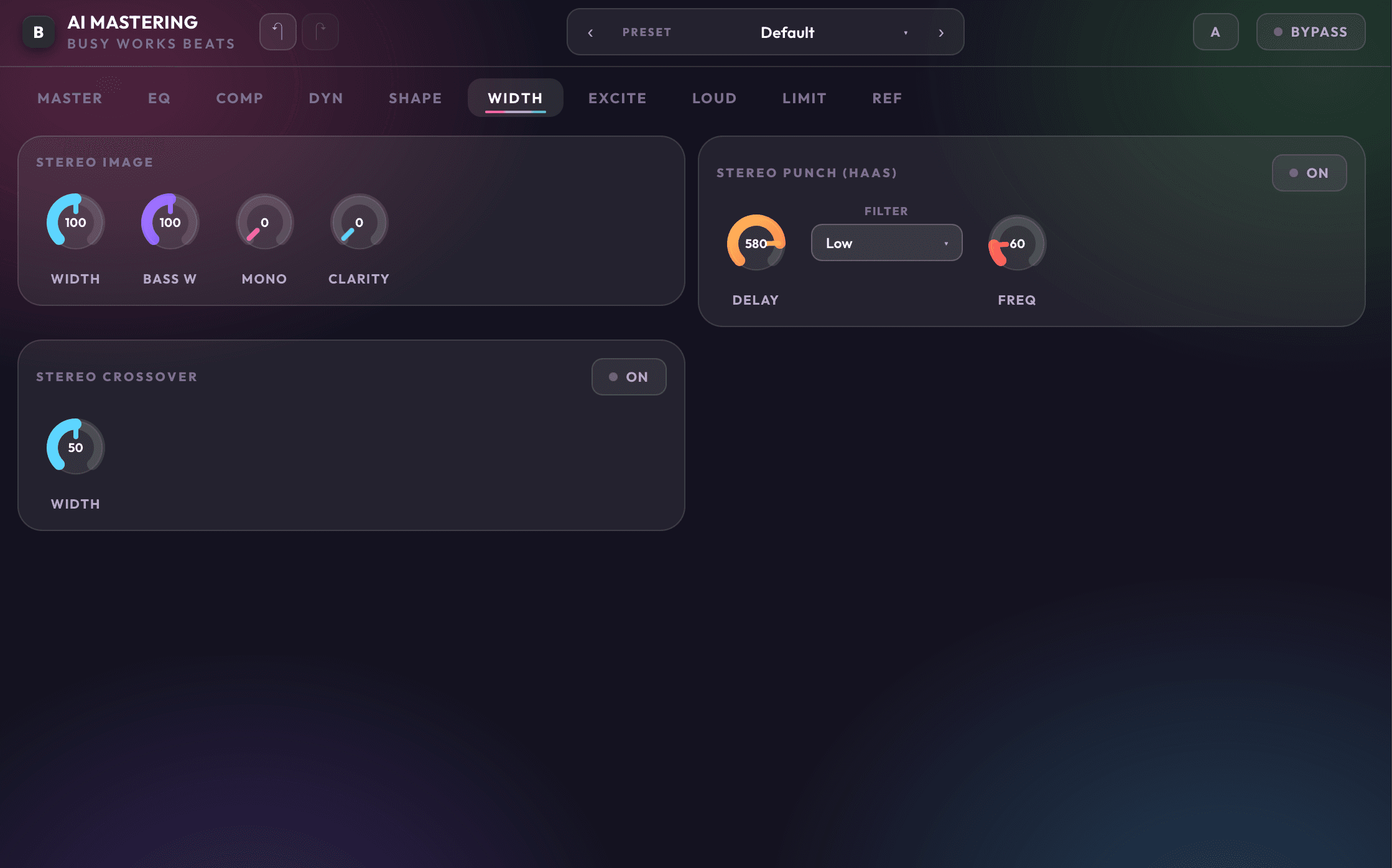
Width
Widen the record, protect the center
Stereo controls let you open the sides while keeping the low end focused. Low mono, bass focus, and width controls help the master translate outside the studio.
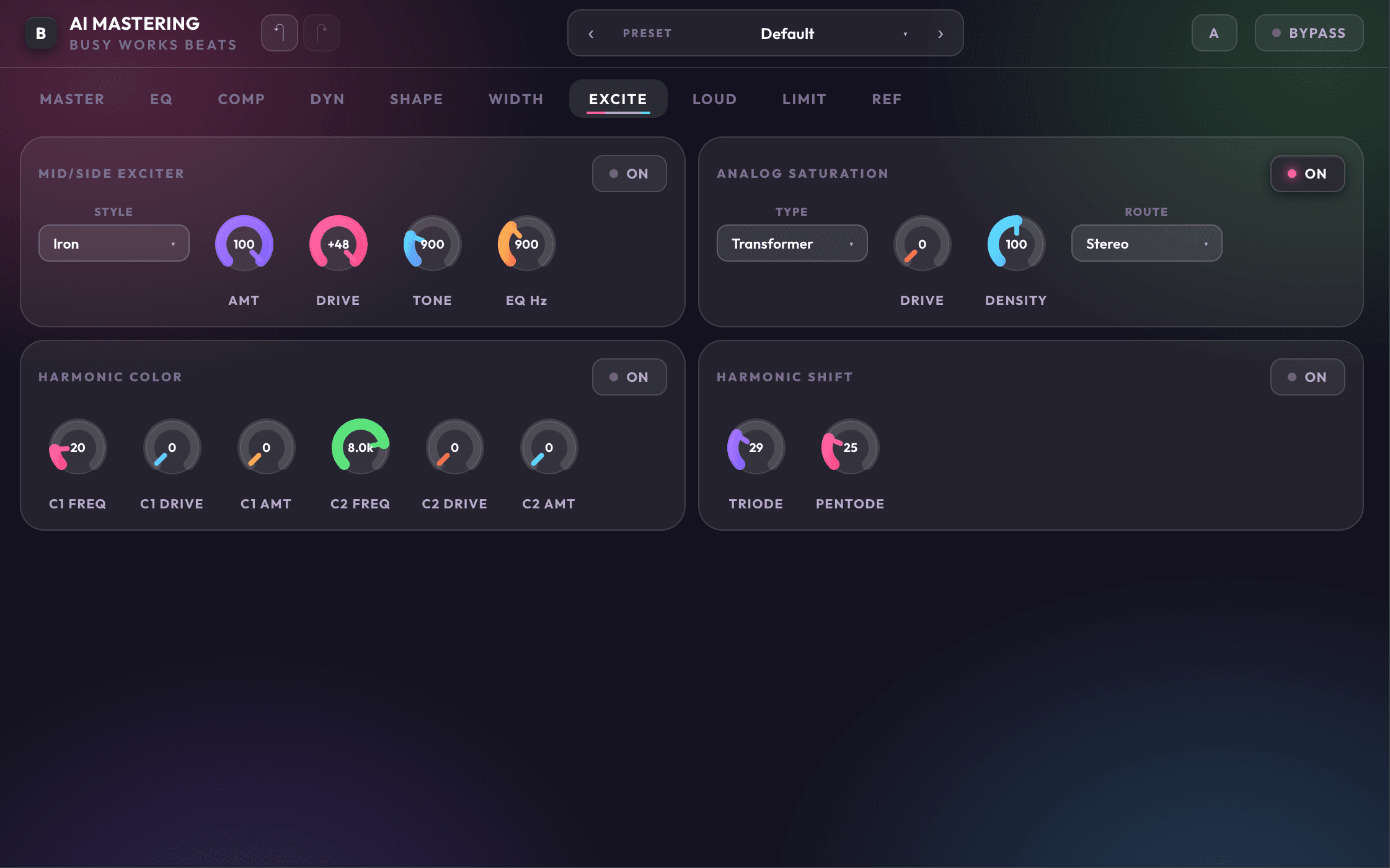
Excite
Bring back life without harshness
Exciter controls add presence, texture, and top-end energy. Use it to pull vocals forward, brighten drums, or add a final spark after compression.
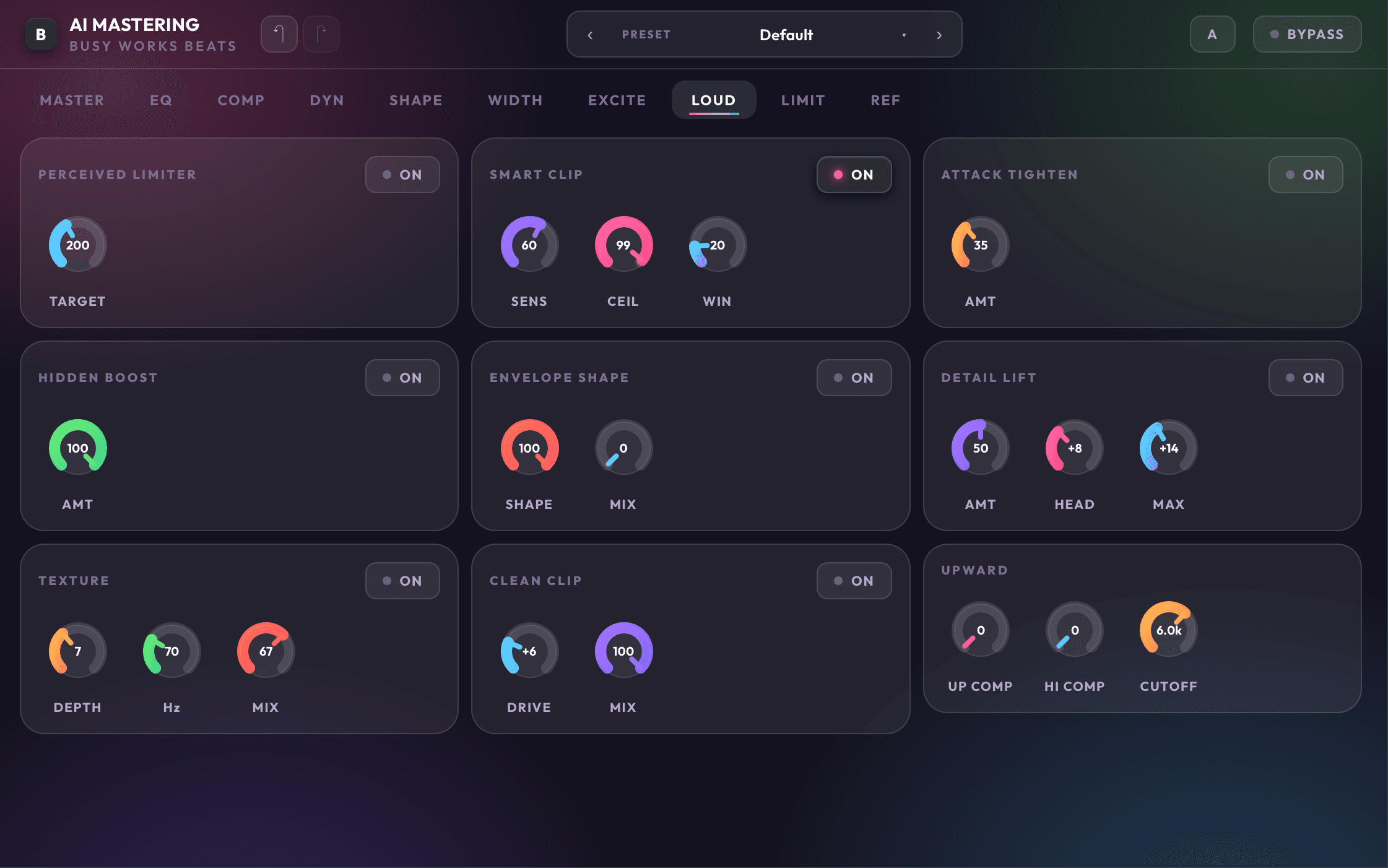
Loudness
Aim for the right level
The loudness page keeps level decisions clear with genre targets, LUFS control, gain matching, and headroom tools before the final limiter catches peaks.
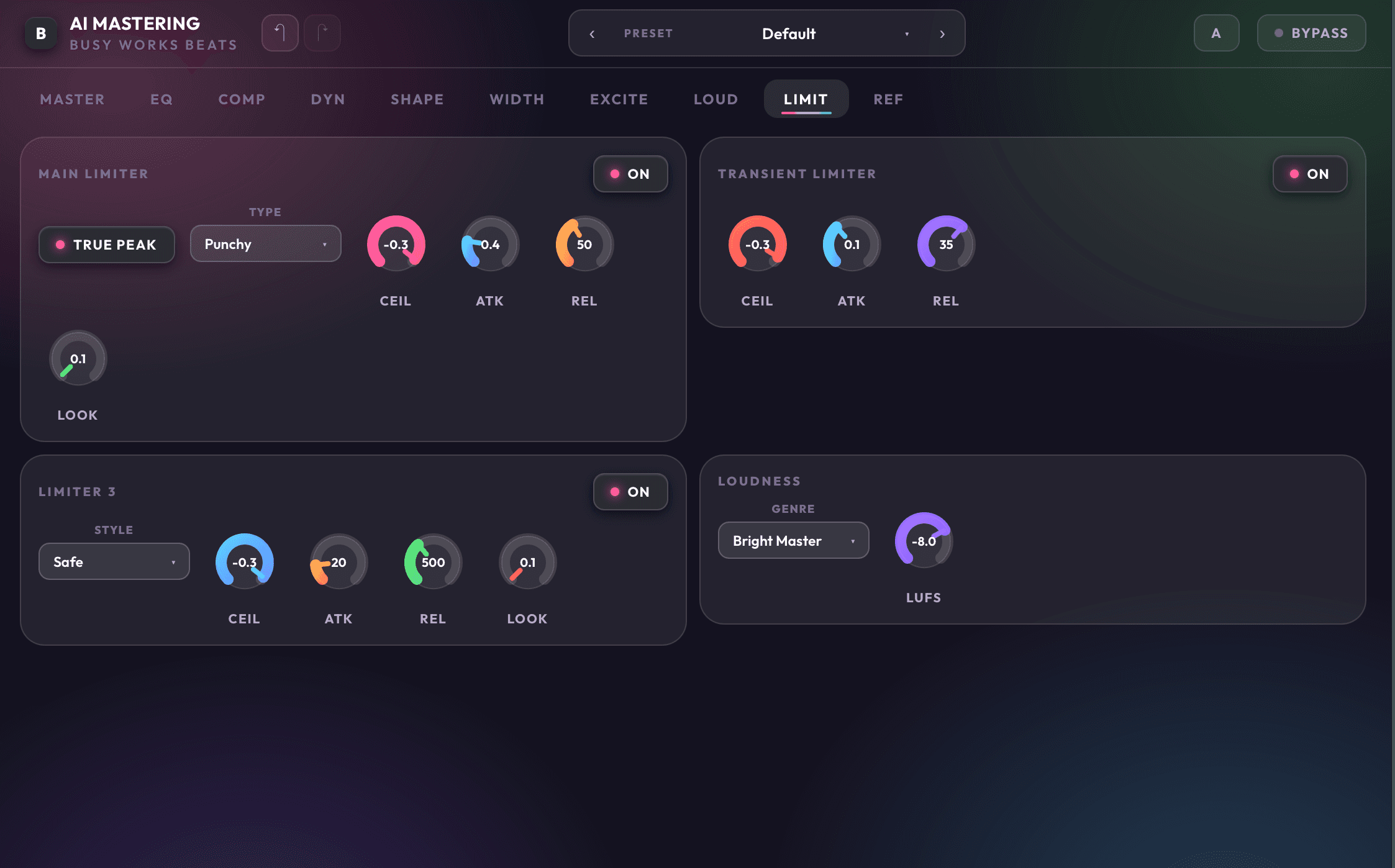
Limit
Catch peaks at the finish line
True peak limiting, transient limiting, and final loudness controls live together so you can push the master while watching the tradeoff between impact and control.
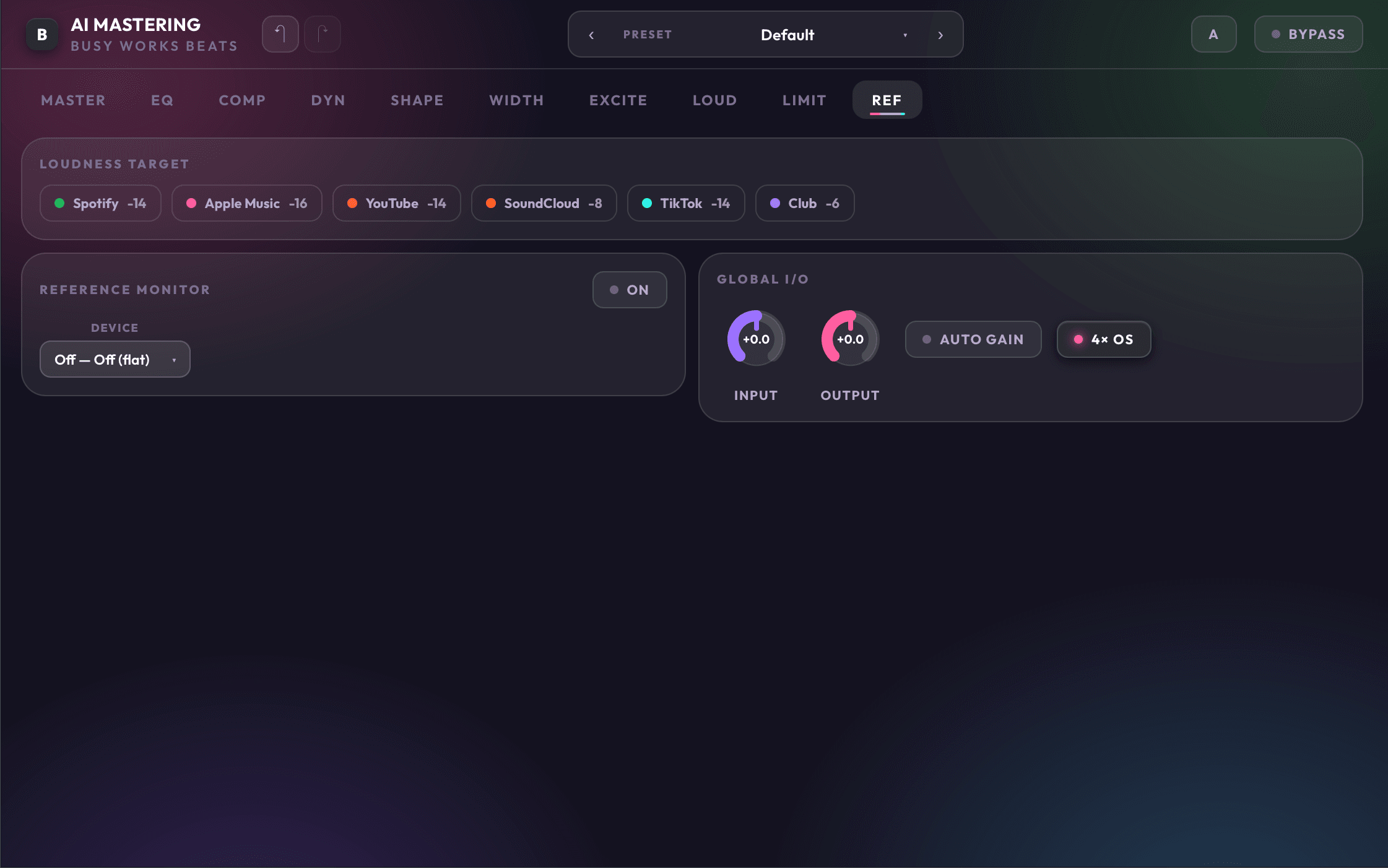
Reference
Check the master against the target
Reference tools make it easier to compare your track against a finished record, level-match the comparison, and make final tone and loudness decisions with context.
Finish the record without leaving the session.
AI Mastering 9 installs and activates through the Busy Works Beats Download Manager. Open it in your DAW, run Auto Master, then dial the chain until the record feels ready.
- Formats
- VST3 / AU
- License
- 3 machines
- Version
- 9.0.1
Worked with the Top Audio Companies in the World